12:24
Time-lapse · six hours in ten seconds
An app for intermittent fasting and eating well. Point your phone at a plate and ZenFast works out what's on it: every food, its portion, its calories and macros. One tap logs it against your day. Around that sit a live fasting timer, an AI coach, Apple Health sync, breathing sessions and social challenges.
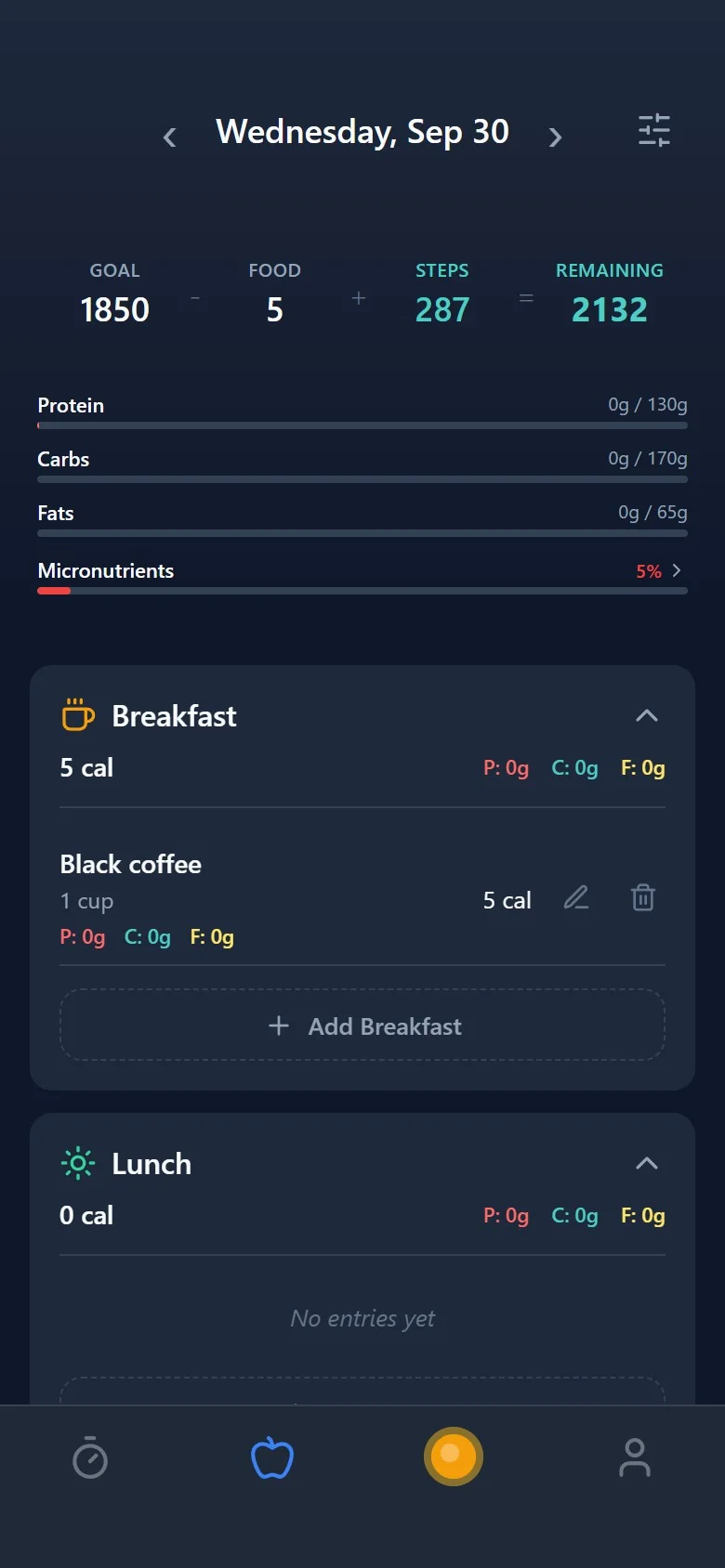
A 16:8 fast broken at midday. Breakfast is logged and 1,562 kcal remain.
Type it, say it, or tap the camera.
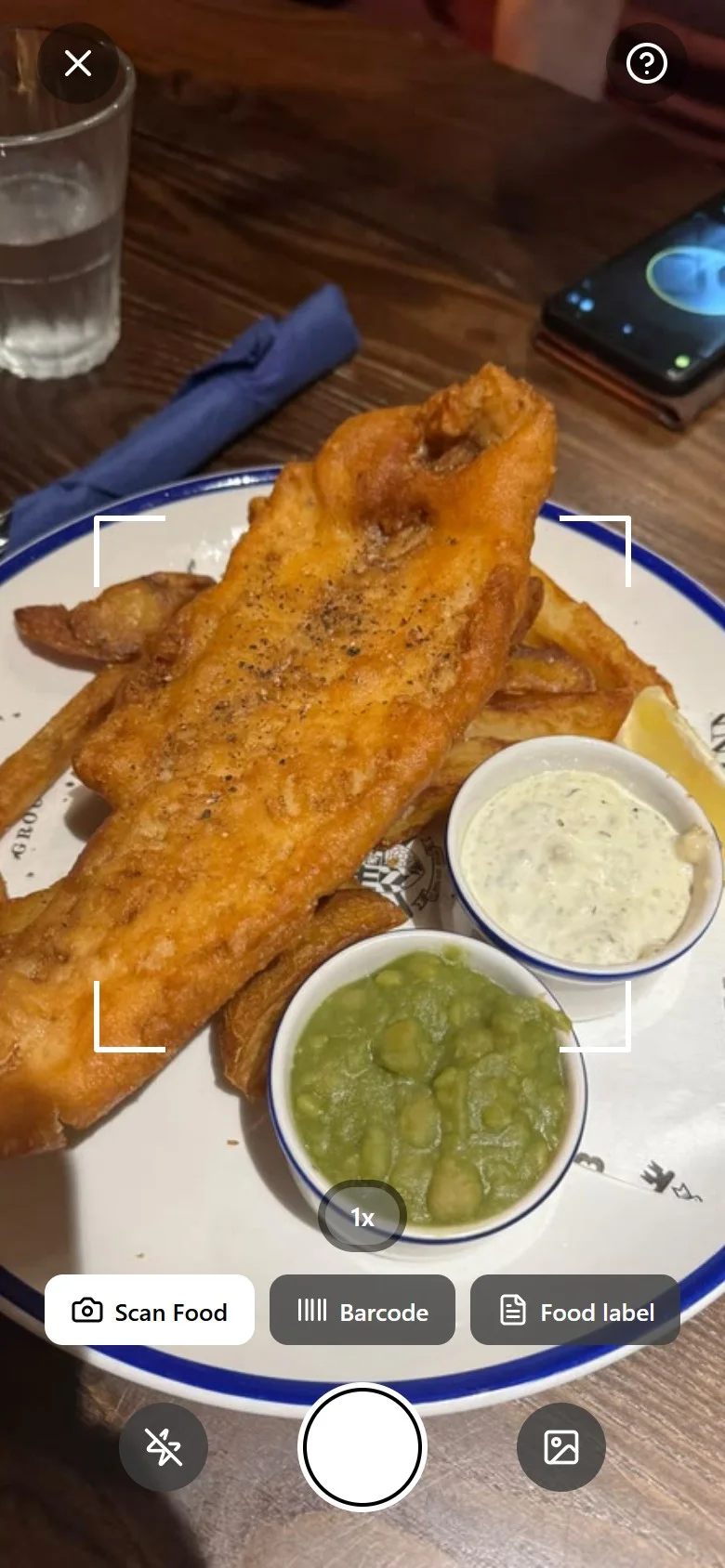
A full-screen camera with Scan Food, Barcode and Food label modes, plus lens zoom.
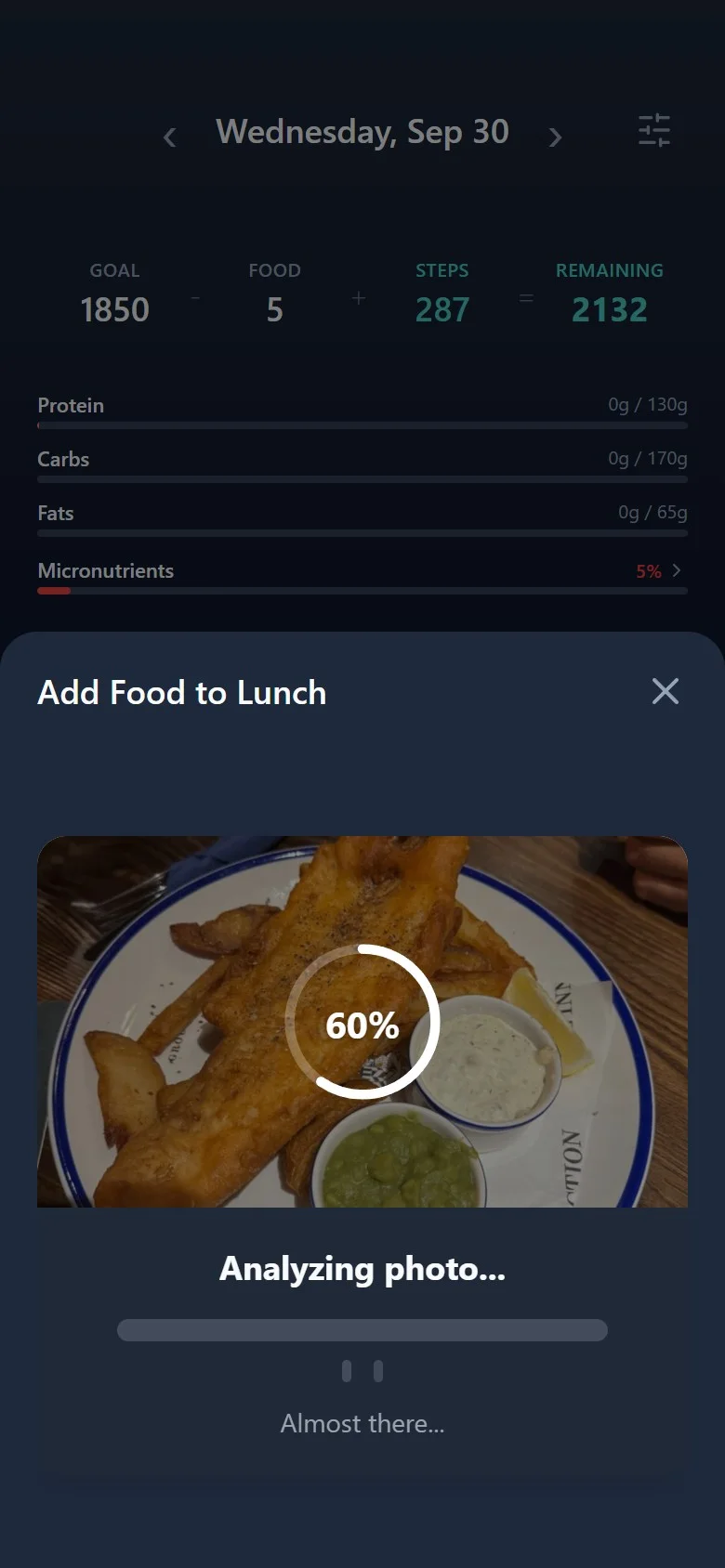
The photo goes to a Supabase Edge Function that calls a vision model. Progress shows each stage.
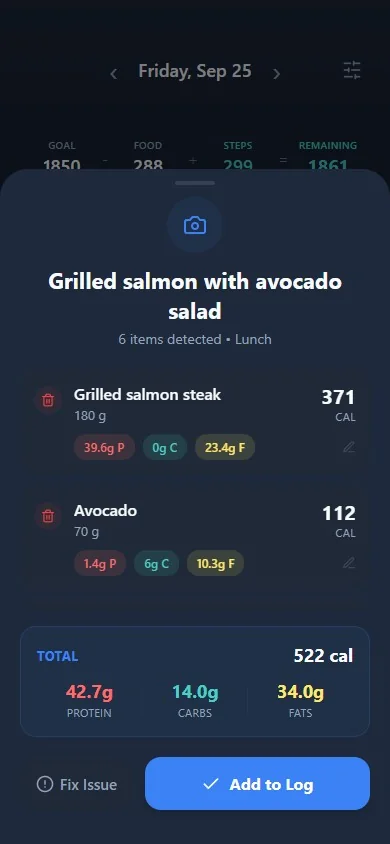
Each food with its portion, calories, protein, carbs and fat, all editable, with "Fix Issue" to correct the AI.
Saved as a recipe group under Lunch. The day's totals and macro bars update straight away.
Recorded from ZenFast's own code in a phone-sized browser with sample data. The camera feed is a stock photo (CC0).
(01) — Overview
Most people stop tracking food because typing every ingredient is tedious. ZenFast turns logging into one photo. The app sends the image to an Edge Function, the vision model returns each food with an estimated portion, and the app shows it all as an editable list before anything is saved. If the AI gets something wrong, "Fix Issue" sends your correction back with the previous answer, and it tries again.
Food sits alongside fasting. The timer tracks the current fast through its stages (ketosis at 16 hours, deeper ketosis at 18, autophagy from 24), and the day's calories, steps and active minutes come together on one screen, synced with Apple Health.

Time-lapse · six hours in ten seconds
(02) — The fast
Pick a protocol (16:8, 18:6, OMAD and more) and the ring fills live, with the stage you're in, your start and target times, and a summary with a rating when you end the fast. Every fast is saved, feeding streaks, a history calendar and achievements.
(03) — How a photo becomes calories
API keys never ship in the app. The camera hands off to Supabase Edge Functions, and the app keeps the user in control: nothing is logged until they confirm it. Hover or tap a node.
Swipe the diagram sideways to see all of it →
(04) — The whole app
Snap a plate, scan a barcode, photograph a nutrition label, say it out loud, or just type "2 grilled chicken breasts".
A multi-item photo is saved as one meal with its ingredients underneath, so the day stays readable and nothing is lost.
A streaming chat coach that knows your day, can read a photo of your meal, and logs food or workouts from the conversation.
Steps, active minutes, weight and nutrition flow in and out of HealthKit, and exercise can add calories back to your budget.
Guided techniques with an animated breathing guide, including configurable Wim Hof rounds.
Friends, circles, group and solo challenges, badges, titles and a reward track, all with realtime notifications.
Vitamins and minerals are filled in after each entry is saved, and roll up into a micronutrient score for the day.
EAS builds, Sign in with Apple, push notifications, animated onboarding and dark mode across the app.
About Dani